
Most small business owners put off building a website for one reason: it feels expensive, slow, and technical. In 2026, that excuse is officially dead. AI website builders for small business can now generate a complete, mobile-friendly website from a single paragraph of description — and more than half of US small business owners have already built their site with AI instead of hiring a developer, according to Bluehost’s 2026 AI website builder report. The owners who did it saved an average of $850 and about 32 working hours.
In this guide, you’ll learn exactly how AI website builders for small business work, see five leading tools compared head-to-head, follow a 7-step weekend launch plan, study a worked mini case study of a bakery that went live in 48 hours, and learn the costs and mistakes to avoid. If you’re part of the roughly 1 in 3 small businesses still operating without a website (Hostinger’s AI website builder statistics), this is your fastest path online in 2026.
📋 Table of Contents
- How AI Website Builders for Small Business Work
- The 2026 Numbers Behind the Shift
- Head-to-Head: 5 AI Website Builders Compared
- The 7-Step Weekend Launch Plan
- Worked Example: A Small Bakery’s Weekend Launch
- Real 2026 Costs: AI Builder vs Freelancer vs Agency
- 5 Mistakes Small Businesses Make With AI Builders
- After Launch: Keep AI Working on Your Website
- FAQs
- Key Takeaways
🧠 How AI Website Builders for Small Business Work
An AI website builder for small business is not a template library with a chatbot taped on. It is a website builder whose AI handles the entire first draft: layout, color palette, navigation structure, page copy, and even stock imagery. You answer a handful of questions — your business name, what you sell, your location, your style preferences — and the AI generates a complete multi-page site in under two minutes.
Behind the scenes, three things happen:
- Content generation: A large language model writes your homepage headline, services descriptions, about page, and FAQs in a tone matched to your business type.
- Design synthesis: The tool picks layouts, fonts, and colors from design systems trained on high-converting small business websites, then renders them responsively.
- Functional assembly: Contact forms, maps, booking widgets, menus, and checkout buttons are wired up automatically — no plugins to configure.
For a broader look at the landscape these builders sit in, see our complete guide to AI tools for small business. What matters for websites is that the AI does roughly 70% of the work in the first pass. The remaining 30% — your photos, your prices, your story, your local SEO details — is where your business actually wins. AI website builders for small business remove the blank-canvas problem; they do not remove the need for real information about your business.
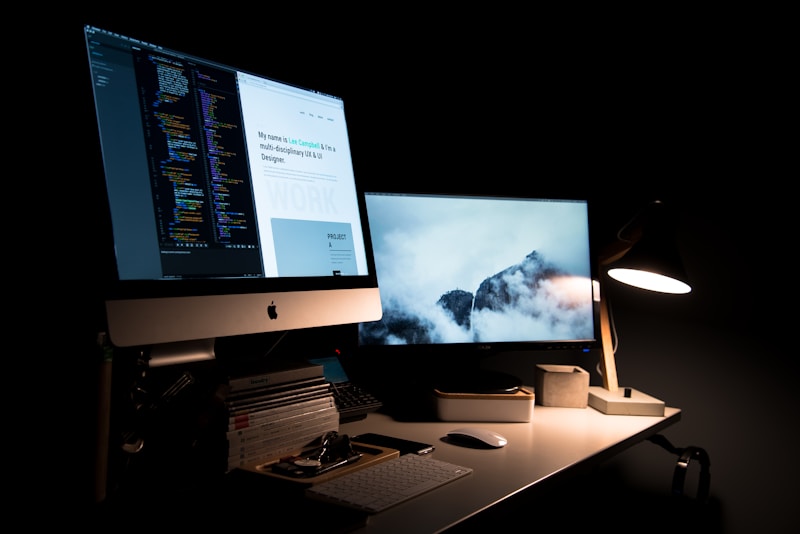
AI builders generate a full first draft of your site from a single description — you refine, not start from scratch.
📊 The 2026 Numbers Behind the Shift
The data behind AI website builders for small business in 2026 is striking:
- 53% of US small business owners surveyed by Bluehost built their website with AI instead of hiring a developer — and 85% said they wouldn’t have built their site the same way without it.
- Those builders saved an average of $850 and 32 hours versus hiring help, with 72% highly satisfied with the result.
- A 10Web study found companies reduced initial website production time by an average of 70% when using AI during the creation phase.
- 93–95% of Hostinger AI Builder users are first-time website creators with no prior paid web presence — AI is pulling entirely new businesses online.
- The global AI website builder market is projected at $3.24 billion in 2026, with small and medium businesses driving about 49% of revenue (Precedence Research, via Hostinger).
- After launch, 94% of owners keep using AI to run or grow the business — and 34% report more website traffic since.
The takeaway: AI hasn’t just made website building cheaper. It has made it startable — the psychological barrier of a blank page and a four-figure invoice is gone.
⚖️ AI Website Builders for Small Business: Head-to-Head Comparison
Not every AI builder suits every business. Here is how five leading options compare for a typical small business use case in 2026:
| Builder | Best for | Starting price/mo | Standout strength | Watch out for |
|---|---|---|---|---|
| Durable AI | Service businesses needing a site today | ~$12 | Generates a full site in ~30 seconds; built-in CRM and invoicing | Limited design flexibility; basic blogging |
| Wix ADI / Wix AI | Businesses wanting design control later | ~$17 | Huge template library; AI draft you can fully re-edit | Upsells add up; steeper learning curve after generation |
| Hostinger AI Builder | Budget-first launches | ~$3–$7 | Cheapest credible option; AI copywriter and heatmaps included | Fewer advanced integrations |
| 10Web | WordPress-based AI sites | ~$10 | AI recreation of any site; real WordPress under the hood | WordPress maintenance still partially yours |
| Framer AI | Design-led brands and portfolios | ~$5–$15 | Stunning modern output; publish instantly | Less suited to complex stores or booking systems |
Prices are approximate 2026 list prices and change often — always check the builder’s own pricing page. If you want a traditional CMS comparison instead, read our WordPress vs Webflow comparison. The right choice depends on one question: do you want the fastest possible launch (Durable, Hostinger), or a site you will heavily customize later (Wix, 10Web, Framer)?
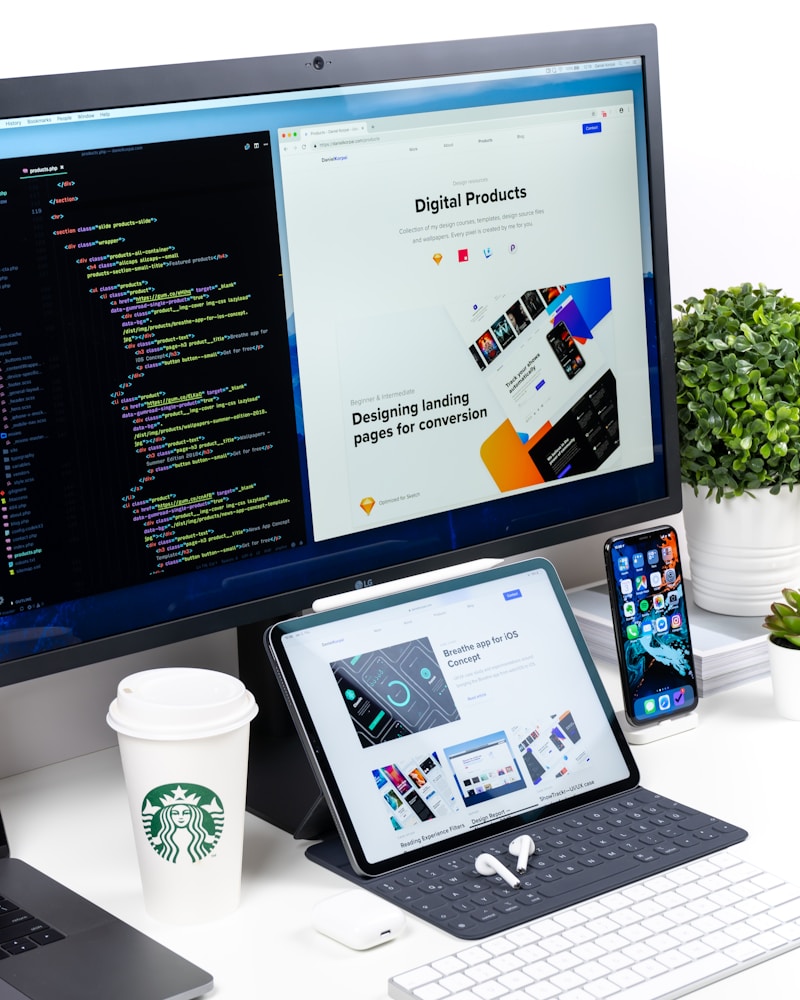
Shortlist two builders, test both free trials, and pick the one whose AI draft needs the fewest edits.
🗓️ AI Website Builders for Small Business: The 7-Step Weekend Launch Plan
Here is the exact walkthrough. Budget roughly 6–8 hours across Saturday and Sunday.
Step 1 — Gather your raw materials (Saturday morning, 1 hour)
Before touching any builder, collect: your logo (or business name in a clean font), 10–15 real photos of your work/products/premises, your price list, your address and hours, and one paragraph describing who you serve. AI writes about businesses well; it cannot invent your photos or your prices. Missing assets are the #1 reason AI-built sites look generic.
Step 2 — Pick your builder and write a strong prompt (Saturday, 30 min)
Choose from the comparison above. When the AI asks “describe your business,” don’t write “bakery.” Write: “Artisan sourdough bakery in DHA Lahore, open 8am–9pm, targeting young families; warm rustic style; we need online ordering, a menu page, and a contact form.” The specificity of this prompt determines the quality of everything that follows.
Step 3 — Generate, then regenerate once (Saturday, 30 min)
Generate the first draft. Then change one input — a different style keyword or an added page — and generate again. Compare the two. Pick the better skeleton. Never try to perfect the AI’s first draft; you’re choosing raw material, not a finished product.
Step 4 — Replace every stock photo and rewrite the headline (Saturday afternoon, 2 hours)
This is where most owners quit early — and where sites win or lose. Swap ALL stock imagery for your real photos. Rewrite the homepage headline to say what you do and for whom, in under 10 words. Add your real prices. Delete any page you can’t fill honestly (a thin “Blog” with zero posts hurts more than it helps).
Step 5 — Add local SEO essentials (Sunday morning, 1 hour)
AI builders handle technical basics (mobile responsiveness, SSL, sitemaps). You handle the local layer: put your full business name, address, and phone number in the footer of every page; write a 150-word “about” section naming your city and neighborhood; add your Google Business Profile link. This is what makes a small business site rank for “near me” searches.
Step 6 — Test like a customer (Sunday, 1 hour)
Open the site on your phone — not your laptop. Can a stranger figure out what you sell in 5 seconds? Can they contact or order in under 3 taps? Ask one friend to try it while you watch silently. Fix every hesitation you see.
Step 7 — Connect, publish, announce (Sunday afternoon, 1 hour)
Connect your domain (buy it through the builder or a registrar), publish, then announce on your existing channels: WhatsApp broadcast, Instagram bio link, Google Business Profile posts. A published site nobody visits teaches you nothing — drive your first 50 visitors in week one and watch what they click.
📝 Worked Example: A Small Bakery’s Weekend Launch
To make this concrete, here is a worked example — an illustrative walkthrough based on the typical costs and timelines reported in the 2026 surveys cited above. Meet “Oven & Oak,” a fictional artisan bakery in DHA, Lahore, run by owner Sana, who had an Instagram page but no website.
Saturday: Sana spends 45 minutes gathering photos (her sourdough, the storefront, the team), her menu prices, and her WhatsApp ordering number. She picks Hostinger’s AI builder on the ~$4/month plan and writes the detailed prompt from Step 2. The AI generates a 5-page site: Home, Menu, About, Order, Contact. She regenerates once with “rustic, warm” added, and picks the second draft.
Sunday: She replaces all six stock photos with her own, rewrites the headline to “Fresh Sourdough Baked Daily in DHA Lahore,” adds her real menu with prices, embeds her location map, and links the Order button to her WhatsApp. She publishes on her own domain (ovenandoak.pk, ~$12/year) and posts the link in her Instagram bio.
| Item | Time spent | Cost |
|---|---|---|
| Asset gathering | 45 min | $0 |
| AI generation + prompt iteration | 30 min | $0 |
| Photo swap, headline, menu entry | 2.5 hrs | $0 |
| Local SEO footer + testing | 1.5 hrs | $0 |
| Domain (1 year) | — | ~$12 |
| Builder plan (1 month) | — | ~$4 |
| Total | ~5.5 hours | ~$16 |
Result: Within two weeks, Sana’s Google Business Profile “website” clicks triple — customers who previously DM’d “where are you located?” now find the map themselves. Her total first-month cost: about $16 and one weekend. That is the real promise of AI website builders for small business: not a perfect website, but a published one that starts working immediately.
💰 Real 2026 Costs: AI Builder vs Freelancer vs Agency
Here is what a basic 5-page small business website typically costs in 2026 across the three routes:
| Route | Upfront cost | Time to launch | Ongoing cost | Best when… |
|---|---|---|---|---|
| AI website builder | $0–$200 | 1–3 days | $4–$30/month | You need a professional site fast and cheap |
| Freelancer | $500–$3,000 | 2–6 weeks | $0–$50/month (hosting) | You want custom design but have a modest budget |
| Agency | $3,000–$15,000+ | 6–12 weeks | $100–$500/month (care plans) | You need complex features, branding, and strategy |
The honest middle path many small businesses take in 2026: launch with an AI builder now, earn revenue from the site, then reinvest in a custom rebuild in year two. If you’d rather have professionals handle it from day one, that is exactly what agencies like ours do — but the AI route means you never again have to choose between “no website” and “unaffordable website.”

Under the hood, AI builders generate real, editable code — you’re never locked into a black box.
⚠️ 5 Mistakes Small Businesses Make With AI Builders
- Publishing the AI’s first draft untouched. Only 9% of Bluehost’s surveyed owners published without changes — and for good reason. The first draft is a starting point; unedited AI copy reads generic and converts poorly.
- Keeping stock photos. Customers can spot stock imagery instantly, and it destroys trust for local businesses. Your phone photos of your real premises will always outperform polished stock.
- Skipping the mobile check. Over 60% of small business website traffic is mobile. If you only ever preview on a laptop, you’re designing for the minority of your visitors.
- No clear call to action. “Welcome to our website” headlines and buried contact buttons are the most common AI-draft flaws. Every page needs one obvious next step: call, order, book, or message.
- Ignoring SEO basics. AI builders handle technical SEO, but page titles, meta descriptions, and local keywords still need a human. If you want deeper help here, our AI coding assistants guide covers the AI tools developers use for the same tasks.
🚀 After Launch: Keep AI Working on Your Website
Launch day is the starting line. The owners getting the most from AI in 2026 use it continuously: generating blog posts that answer customer questions, A/B testing headlines, writing product descriptions, and creating social posts that link back to the site. Remember, 94% of AI builders keep using AI after launch — and a third of them report more traffic.
If you’re new to these tools, start with step-by-step AI tool guides that walk you through each platform screen by screen, so you spend minutes learning instead of hours guessing. Pair that with a simple monthly routine: one new blog post answering a real customer question, one headline test, and one check of your Google Business Profile insights. Small, consistent AI-assisted updates compound into real rankings.
❓ Frequently Asked Questions
Are AI website builders good enough for a real business in 2026?
Yes, for most standard small business sites — brochures, menus, portfolios, booking, and simple stores. Bluehost’s 2026 survey found 72% of owners highly satisfied and 97% at least moderately satisfied. They struggle with highly custom functionality (marketplaces, complex portals), where a developer still wins.
How much does an AI-built website cost per year?
Typically $60–$360/year for the builder plan plus ~$12/year for a domain — under $400 all-in for most small businesses. Compare that with $500–$3,000+ for a freelancer build, and the economics are clear for early-stage businesses.
Will Google rank a website made by AI?
Google ranks content on quality and relevance, not on how the site was built. An AI-built site with real photos, accurate business information, genuine customer reviews, and helpful content ranks exactly like a hand-coded one. Thin, generic AI text with no real business information does not — but that is a content problem, not a builder problem.
Can I move my site away from the AI builder later?
It depends on the platform. Builders like 10Web produce real WordPress sites you fully own and can migrate. All-in-one builders (Wix, Durable, Hostinger) let you keep your domain and content, but the design itself usually must be rebuilt elsewhere. Export your text and images regularly so you always own your content.
Do I still need a web developer at all?
For launch: usually not anymore. For growth: often yes, eventually. Many businesses launch with AI, then hire a developer or an agency in year two for custom features, advanced SEO, and conversion optimization — funded by the revenue the AI-built site generated. Developers increasingly work with AI tools themselves; see our guide to AI coding assistants for how that works.
✅ Key Takeaways
- AI website builders for small business cut launch time by ~70% and cost to under $400/year — 53% of surveyed US owners already build with AI.
- Pick your builder from a head-to-head test, write a specific business prompt, and always regenerate once before editing.
- Your job is the 30% AI can’t do: real photos, real prices, real local details, and one clear call to action per page.
- Launch in a weekend, then keep AI working monthly — new content, headline tests, and GBP checks compound into traffic.
- Start with AI now; reinvest in custom development later, funded by the revenue your site earns.
Sources: Bluehost AI Website Builder Report 2026 (survey of 201 US small business owners, via TechRadar); Hostinger AI website builder statistics (Precedence Research market data); Custom Market Insights AI-powered website builder market report. Statistics cited reflect the most recent available editions as of October 2026.