

Meetings eat roughly 11 hours of every knowledge worker’s week — and most of that time produces nothing reusable once the call ends. AI meeting assistants change the equation: they join your calls, transcribe every word, flag decisions and action items, and deliver a shareable summary before you close the tab. In 2026, with hybrid work permanent, teams that run on memory are losing to teams that run on meeting intelligence. This guide ranks the 10 best AI meeting assistants of 2026 — evaluated on transcription accuracy, summary quality, integrations, pricing, and privacy — plus a framework for picking the right one for your team.
Table of Contents
- 📌 What Are AI Meeting Assistants?
- 📈 Why Your Team Needs AI Meeting Assistants in 2026
- 🛠️ The 10 Best AI Meeting Assistants in 2026
- 📊 AI Meeting Assistants: Head-to-Head Comparison
- ⚖️ How to Choose the Right Meeting Assistant
- ⚠️ 5 Mistakes to Avoid With Meeting AI Tools
- ❓ AI Meeting Assistants FAQs
📌 What Are AI Meeting Assistants?
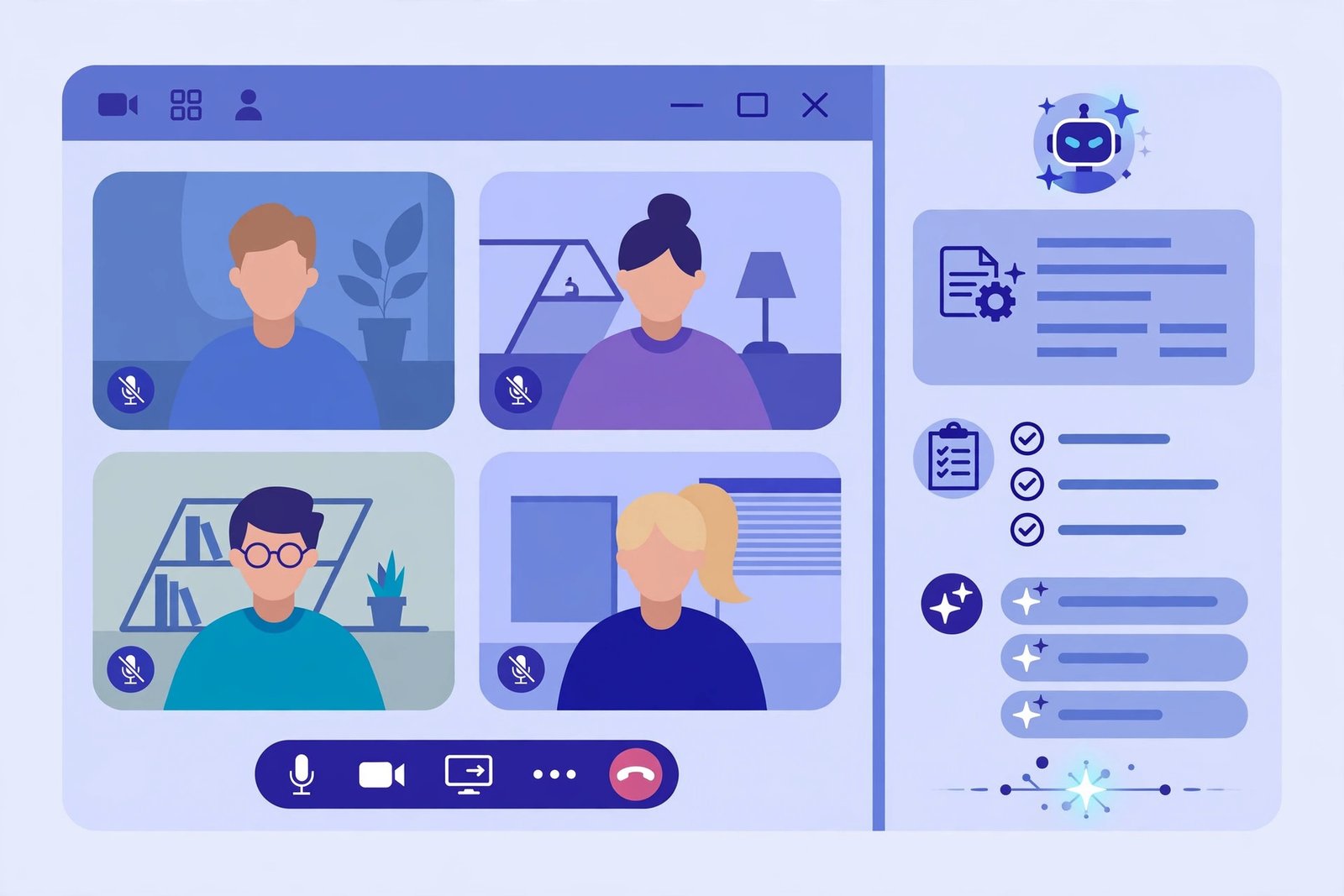
AI meeting assistants are software tools that attend your virtual meetings alongside you — or even in your place. A bot joins the Zoom, Google Meet, or Teams call, records and transcribes the conversation in real time, identifies who said what, and turns the transcript into a structured summary: key decisions, action items with owners, and open questions.
The best AI meeting assistants go well beyond basic transcription. Modern AI note-takers let you “ask your meetings” — search months of calls in plain language (“What did we promise the client in March?”) — sync action items to tools like Asana, Notion, and HubSpot, and auto-generate follow-up emails.
Think of a meeting assistant as the institutional memory your team never had. Decisions stop evaporating the moment the call ends, new hires catch up by reading summaries instead of re-attending meetings, and managers get visibility without sitting in every room.
📈 Why Your Team Needs AI Meeting Assistants in 2026
Adoption of AI meeting assistants has crossed from early-adopter territory into standard business practice. Here is what is driving teams to deploy meeting AI this year:
- The attention tax is crushing. Knowledge workers sit through hours of meetings weekly while expected to “take notes” simultaneously. Splitting attention between listening and documenting guarantees you do both badly — AI meeting assistants remove the conflict entirely.
- Hybrid work made memory unreliable. With teammates across time zones, someone always misses the meeting. Instead of replaying a 60-minute recording, they read a 2-minute AI summary and skim timestamped highlights.
- Async culture needs good artifacts. The whole point of async work is that decisions travel in writing. Meeting AI turns every call into searchable documentation automatically.
- Knowledge compounds. Six months of transcribed calls become a searchable company brain — sales objections, customer requests, product decisions — accessible to anyone with a search bar.
- The tech finally works. 2026-era transcription handles accents, crosstalk, industry jargon, and multi-speaker calls at accuracy levels that were science fiction a few years ago.
There is also a competitive reality: the vendor that follows up within an hour with a crisp AI-generated recap wins over the one that takes three days to send rough notes. Meeting intelligence has become a small but visible edge — and the tools are now cheap enough that every team can afford one.
🛠️ The 10 Best AI Meeting Assistants in 2026
We evaluated dozens of meeting AI platforms on transcription accuracy, summary quality, integrations, pricing, and usability. These ten lead the pack — from free solo note-takers to enterprise conversation-intelligence suites.
1. Otter.ai — the all-rounder
Otter.ai remains the most recognized name among AI meeting assistants: live transcription, AI summaries, slide capture, and a searchable library of every call. The OtterPilot bot auto-joins Zoom, Meet, and Teams. Best for: teams wanting one mature, reliable platform. Pricing: free plan; paid from around $16.99/user/month. Watch out: advanced AI features sit behind higher tiers.
2. Fireflies.ai — the integration king
Fireflies.ai differentiates on connectivity: it pushes summaries, action items, and sentiment data into CRMs, project tools, and collaboration apps like few AI note-takers can. Fred, its meeting bot, records and transcribes across all major platforms. Best for: sales and CS teams living inside a CRM. Pricing: free plan; paid from around $10/seat/month. Watch out: summary depth trails dedicated summarizers.
3. Fathom — the best free option
Fathom built its reputation on a genuinely free tier with unlimited recording and transcription — rare among AI meeting assistants. One-click CRM sync, instant summaries, and auto-generated follow-up emails make it a favorite of lean teams. Best for: startups and freelancers on a budget. Pricing: free; paid from around $19/user/month. Watch out: fewer enterprise controls than premium rivals.
4. Read AI — the summary specialist
Read AI’s signature is richer summaries: not just what was said, but coaching-style readouts — sentiment, engagement, talk-time ratios, and actionable takeaways. It also summarizes email and chat threads. Best for: managers who want coaching insight from every call. Pricing: free plan; paid from around $19.75/user/month. Watch out: the coaching metrics can feel like surveillance if not introduced carefully.
5. tl;dv — the GTM favorite
tl;dv (pronounced “too long; didn’t view”) is purpose-built for go-to-market teams among AI meeting assistants: deal-room clip libraries, multi-language transcription, and deep HubSpot/Salesforce/Pipedrive integrations. Best for: sales orgs that live on call recordings. Pricing: free plan; paid from around $29/seat/month. Watch out: overkill for teams that just need simple notes.
6. Grain — the clip-sharing standout
Grain’s superpower is turning calls into shareable moments: AI identifies the key 30-second clips and lets you share them with a link — perfect for customer stories, objections, and coaching. Solid transcription and summaries round out the package. Best for: product and marketing teams mining calls for insights. Pricing: free plan; paid from around $15/month. Watch out: smaller integration ecosystem than Fireflies.
7. Fellow — the agenda-to-accountability tool
Fellow blends meeting AI with meeting management: collaborative agendas, AI summaries, and — uniquely among these AI meeting assistants — action-item tracking that follows up with owners. If your problem is decisions dying after calls, Fellow attacks it directly. Best for: ops-minded teams that want accountability, not just notes. Pricing: free plan; paid from around $11/user/month. Watch out: transcription is a means to an end here, not the deepest.
8. Avoma — the conversation intelligence pick
Avoma sits at the intersection of meeting notes and revenue intelligence: transcription plus deal-health scoring, coaching, and pipeline analytics. Best for: growing sales teams outgrowing simple note-takers. Pricing: from around $24/user/month. Watch out: no free tier for serious use.
9. Gong — the enterprise standard
Gong defined the conversation-intelligence category and remains the benchmark: call recording, AI deal analysis, coaching, and forecasting signals trained on massive call datasets. Best for: revenue orgs of 50+ with real budget. Pricing: custom enterprise (typically five figures annually). Watch out: implementation overhead and price exclude everyone else.
10. Krisp — the real-time edge
Krisp approaches from a different angle: world-class AI noise cancellation plus real-time transcription and notes. It works inside the call as you speak — no bot joining, no waiting for post-call processing. Best for: noisy environments and real-time note needs. Pricing: free plan; paid from around $8/month. Watch out: summaries are lighter than bot-based platforms.
Pricing note: plans change often — treat these as 2026 starting points and confirm current pricing on each vendor’s site.
📊 AI Meeting Assistants: Head-to-Head Comparison
Quick scan of how the leading AI meeting assistants stack up on the dimensions that matter most:
| Tool | Transcription quality | Standout strength | Starting price |
|---|---|---|---|
| Otter.ai | Excellent | All-round reliability | Free / ~$16.99 |
| Fireflies.ai | Very good | Integrations | Free / ~$10 |
| Fathom | Very good | Generous free tier | Free / ~$19 |
| Read AI | Very good | Summaries + coaching | Free / ~$19.75 |
| tl;dv | Very good | Sales workflows | Free / ~$29 |
| Grain | Good | Clip sharing | Free / ~$15 |
| Fellow | Good | Action accountability | Free / ~$11 |
| Avoma | Very good | Deal intelligence | ~$24 |
| Gong | Excellent | Enterprise analytics | Custom |
| Krisp | Good | Real-time + noise cancel | Free / ~$8 |
Shortlist three — one all-rounder, one specialist matching your workflow — and trial each for two weeks with real meetings before committing. The best AI meeting assistants prove themselves in week one.
⚖️ How to Choose the Right Meeting Assistant
Ten strong options can paralyze. Use this five-point checklist to narrow the field to the meeting AI that fits your reality:
- Platforms you actually meet on. If you live in Google Meet, pick a tool with deep Meet integration and a reliable bot. Zoom-heavy sales orgs need CRM sync. Match the tool to your calendar, not the hype.
- Notes vs. intelligence. Need simple summaries? A free-tier note-taker suffices. Need deal scoring, coaching, and pipeline signals? Budget for conversation intelligence like Avoma or Gong.
- Integrations that matter. List the tools where action items must land — Asana, HubSpot, Notion, Slack — and verify native two-way sync. Manual copy-paste kills adoption.
- Privacy and compliance. Meeting recordings are sensitive. Check data residency, retention controls, SOC 2 / GDPR posture, and how easily you can delete recordings — before legal asks.
- Trial with real meetings. Run two contenders on the same week of actual calls and compare: accuracy on your accents and jargon, summary usefulness, and whether anyone actually reads the output.
The right choice is the one your team will actually use daily — adoption beats feature count for every team under fifty people.
⚠️ 5 Mistakes to Avoid With AI Meeting Assistants
- Recording without consent. Announce AI recording at the start of every call and get explicit consent where laws require it. A bot joining silently is a trust and legal landmine.
- Collecting notes nobody reads. A searchable library is only valuable if people search it. Build the habit: link summaries in follow-up messages and reference them in standups.
- Skipping the review step. AI summaries are excellent but not infallible — action items with wrong owners or dates slip through. Skim before you forward, especially externally.
- Ignoring retention policies. Letting every recording pile up forever is a privacy and storage liability. Set auto-delete windows for internal calls.
- Choosing on price alone. The cheapest option your team abandons in month two is the most expensive one. Trial with real workflows first — adoption is the ROI.
Pair your meeting system with a smart content workflow — our guide to content repurposing strategy shows how one recorded asset becomes nine platform-ready pieces.
❓ AI Meeting Assistants FAQs
Do AI meeting assistants work on Zoom, Google Meet, and Teams?
Yes. Every platform in this roundup supports Zoom, Google Meet, and Microsoft Teams — via a bot that joins the call or a real-time desktop app. Most also handle Webex, in-person recordings via mobile, and uploaded audio files.
How accurate is AI transcription in 2026?
Modern AI meeting assistants reach 95%+ accuracy on clear, single-language business calls, handling accents, crosstalk, and industry jargon far better than earlier generations. Heavy accents, overlapping speech, and poor microphones still degrade results — skim summaries before sharing externally.
Are AI meeting assistants secure and compliant?
Leading vendors offer SOC 2 Type II, GDPR compliance, encryption, SSO, and configurable retention. Verify data residency and deletion controls with your legal team before recording sensitive meetings.
Can an AI meeting assistant attend a meeting without me?
Yes — bot-based assistants can join, record, transcribe, and summarize calls you skip, then deliver the recap to your inbox. Many teams use this to “attend” optional meetings asynchronously.
How much do AI meeting assistants cost?
Most range from free limited plans to around $8–$30/user/month for small and mid-size teams, with enterprise conversation-intelligence platforms priced custom. Start on a free tier, then upgrade when transcription limits or advanced summaries start costing you time.
🔑 Key Takeaways
- AI meeting assistants turn every call into searchable notes, summaries, and tracked action items — institutional memory on autopilot.
- Start free: Fathom or Otter.ai’s free tier handles most teams’ note-taking. Upgrade to specialists (Fireflies.ai, Fellow, tl;dv) when workflows demand it.
- Sales and revenue teams should weigh conversation intelligence (Avoma, Gong) — the coaching and deal insight justify the premium.
- Announce recording, skim summaries before forwarding, and set retention policies — the tools are powerful, and the governance is simple.
Final Word
Meetings will not get shorter, but they can get smarter: every decision captured, every action item owned, every call searchable. Pick one platform from this list, run a real two-week trial, and let the data decide.
Want this built for you? Digital 365 Agency designs AI workflows — tooling, integrations, and automation — that turn meeting hours into momentum. Contact us today for a free AI productivity audit.
Sources: vendor pricing and feature pages (2026 starting points, change frequently); widely cited industry benchmarks on meeting load and transcription accuracy — figures vary by team and call quality. For a broader look at AI productivity software, see our top agentic AI tools of 2026 roundup.